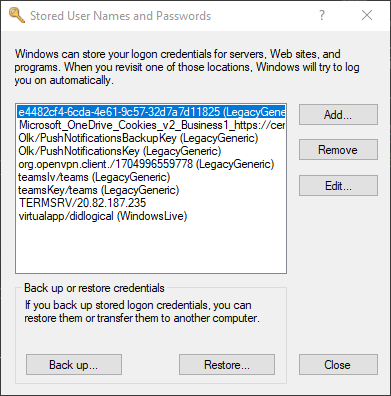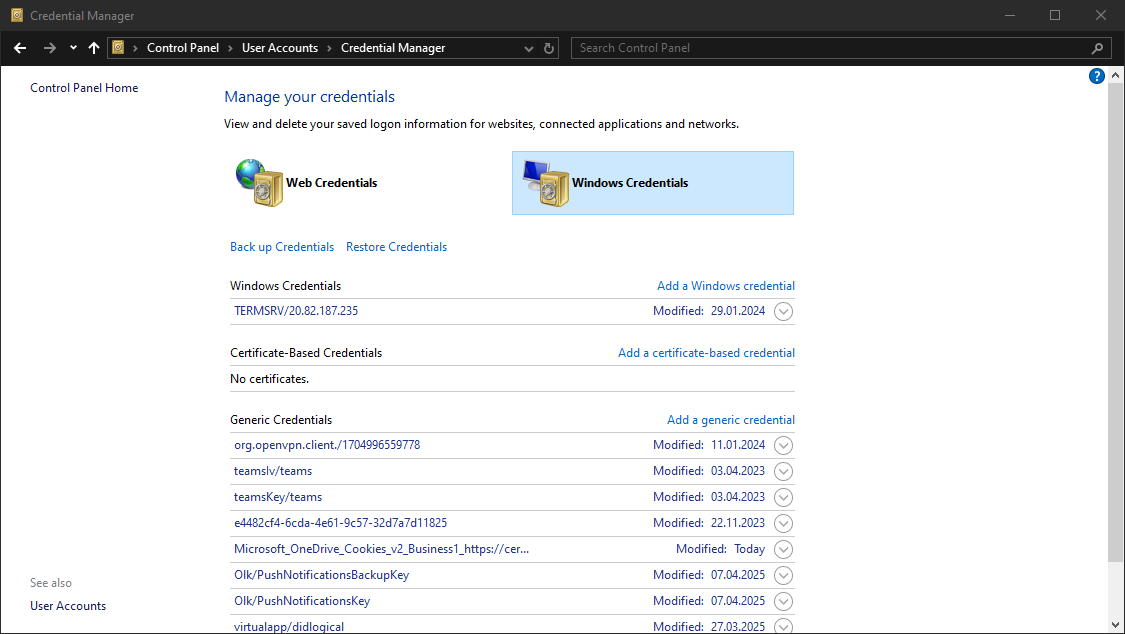
Windows allows us to use other users' credentials. This function also gives the option to save these credentials on the system. The command below will list saved credentials:
cmdkey /list
While you can't see the actual passwords, if you notice any credentials worth trying, you can use them with the runas command and the /savecred option, as seen below.
runas /savecred /user:admin cmd.exe
Credential Manager is a feature built into Windows since Server 2008 R2 and Windows 7. Thorough documentation on how it works is not publicly available, but essentially, it allows users and applications to securely store credentials relevant to other systems and websites. Credentials are stored in special encrypted folders on the computer under the user and system profiles (MITRE ATT&CK):
%UserProfile%\AppData\Local\Microsoft\Vault\%UserProfile%\AppData\Local\Microsoft\Credentials\%UserProfile%\AppData\Roaming\Microsoft\Vault\%ProgramData%\Microsoft\Vault\%SystemRoot%\System32\config\systemprofile\AppData\Roaming\Microsoft\Vault\Each vault folder contains a Policy.vpol file with AES keys (AES-128 or AES-256) that is protected by DPAPI. These AES keys are used to encrypt the credentials. Newer versions of Windows make use of Credential Guard to further protect the DPAPI master keys by storing them in secured memory enclaves (Virtualization-based Security).
Microsoft often refers to the protected stores as Credential Lockers (formerly Windows Vaults). Credential Manager is the user-facing feature/API, while the actual encrypted stores are the vault/locker folders. The following table lists the two types of credentials Windows stores:
| Name | Description |
|---|---|
| Web Credentials | Credentials associated with websites and online accounts. This locker is used by Internet Explorer and legacy versions of Microsoft Edge. |
| Windows Credentials | Used to store login tokens for various services such as OneDrive, and credentials related to domain users, local network resources, services, and shared directories. |
It is possible to export Windows Vaults to .crd files either via Control Panel or with the following command. Backups created this way are encrypted with a password supplied by the user, and can be imported on other Windows systems.
C:\Users\sadams>rundll32 keymgr.dll,KRShowKeyMgr